Describe any site.
Watch it build.
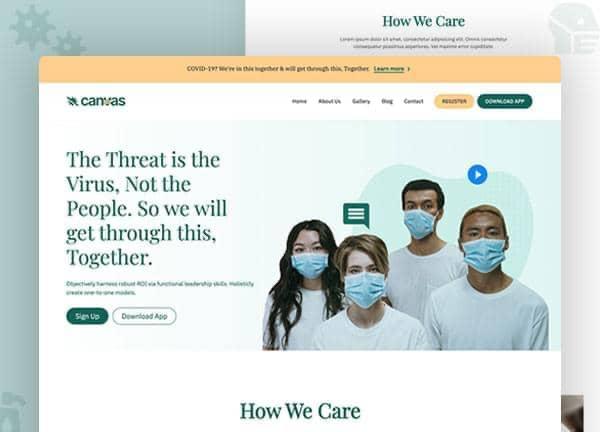
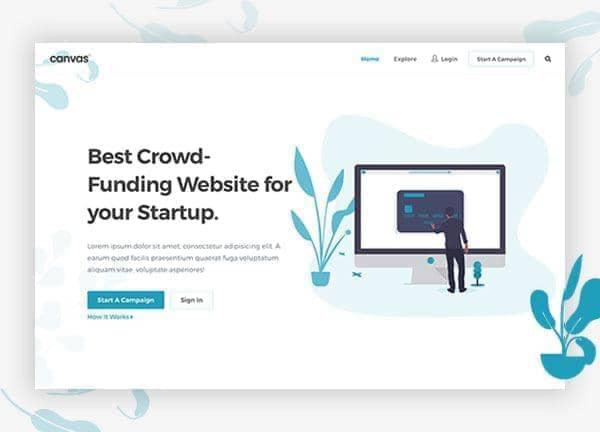
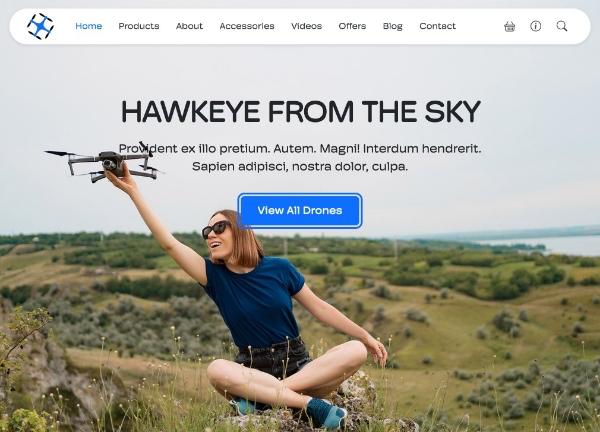
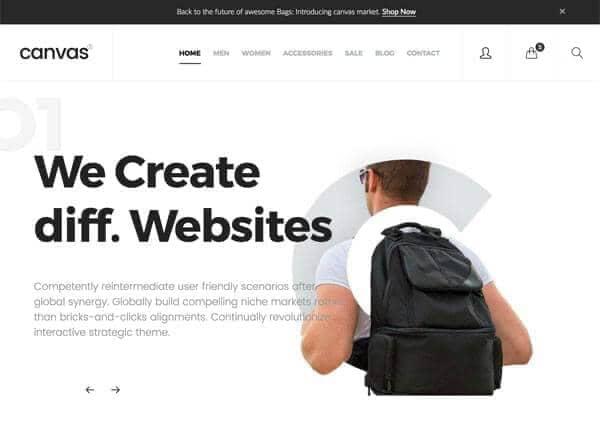
Tell the CanvasAI Engine what you need in plain English. It designs, writes and builds a complete, production-ready website in minutes, then hands you clean Bootstrap 5 code you own. No coding and no lock-in.
5 free credits on signup, no card required
Browse templates
- Typical one-page build
- ~3 min
- Ready-made prompts to start from
- 1,938+
- Canvas HTML template rating from ThemeForest buyers
- 4.9
- Canvas HTML template sales on ThemeForest
- 75,000+
Canvas Builder is made by SemiColonWeb, the team behind the Canvas HTML template. The rating and sales figures are for that template.
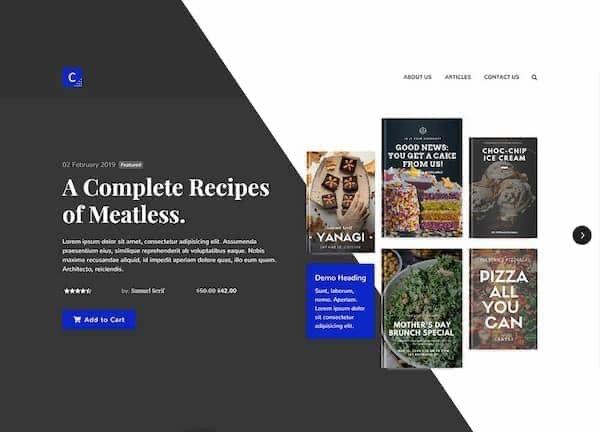
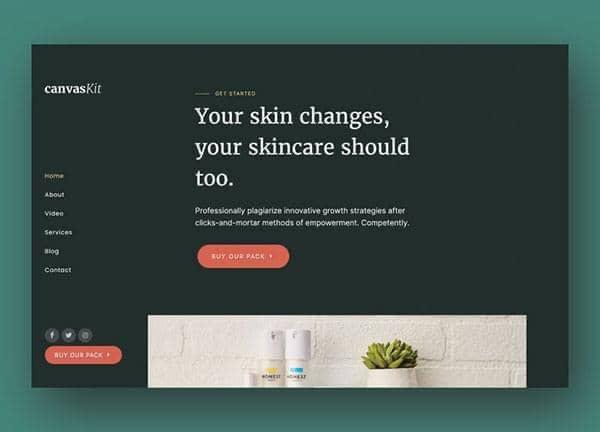
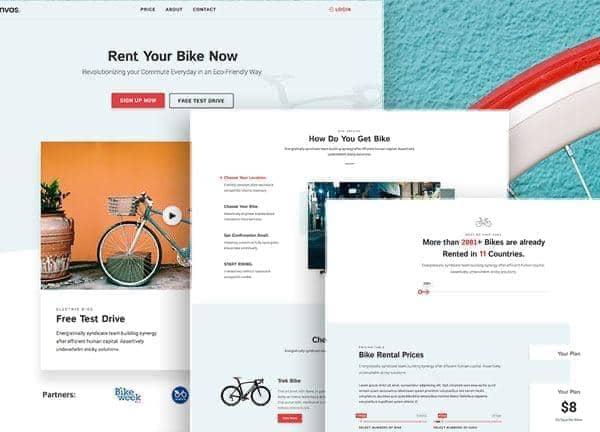
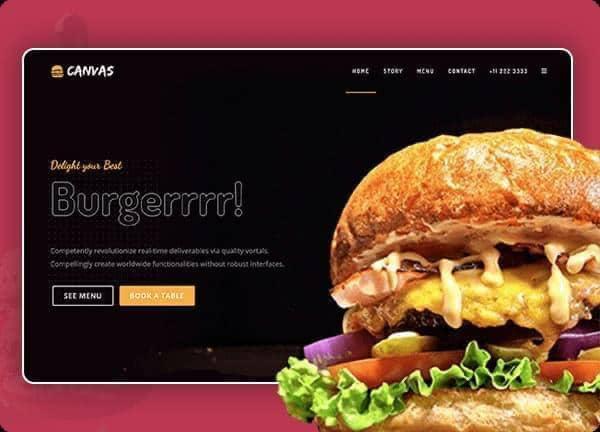
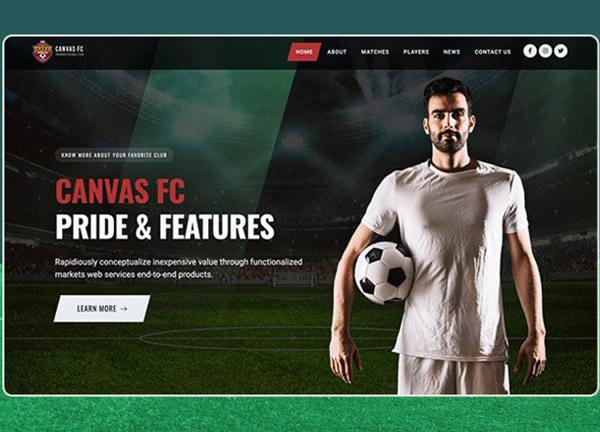
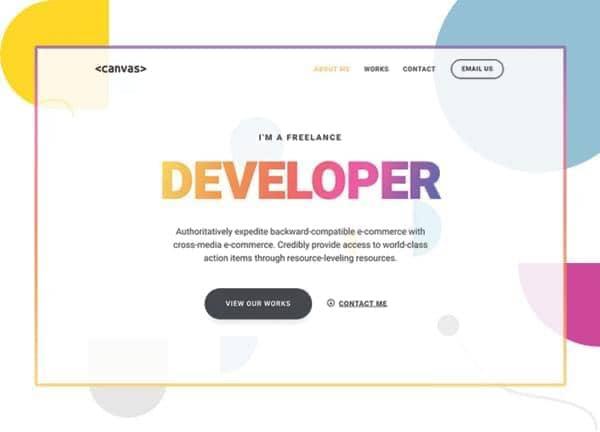
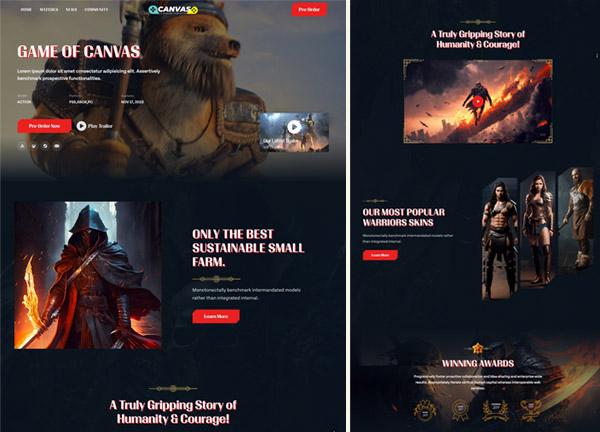
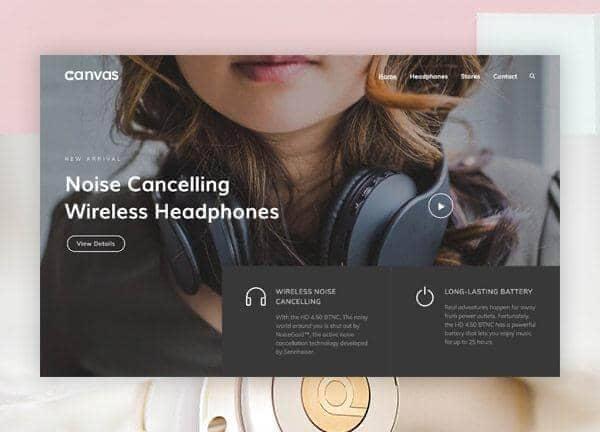
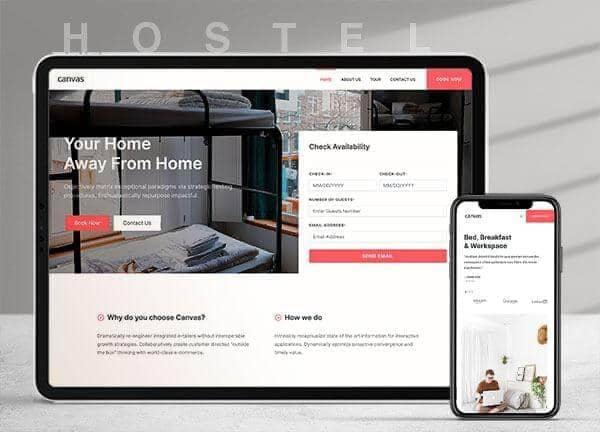
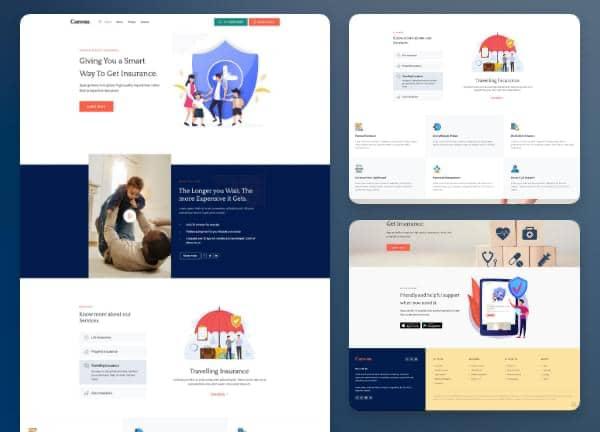
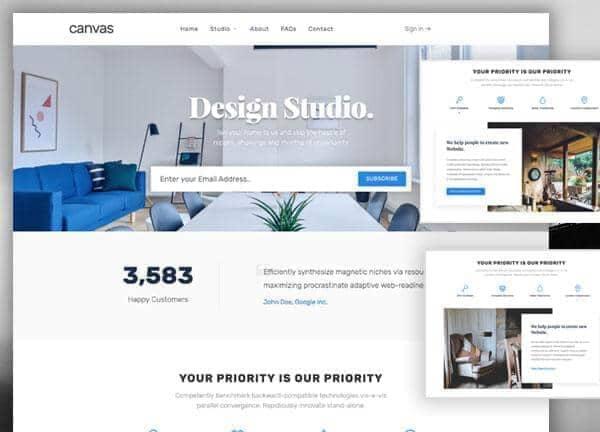

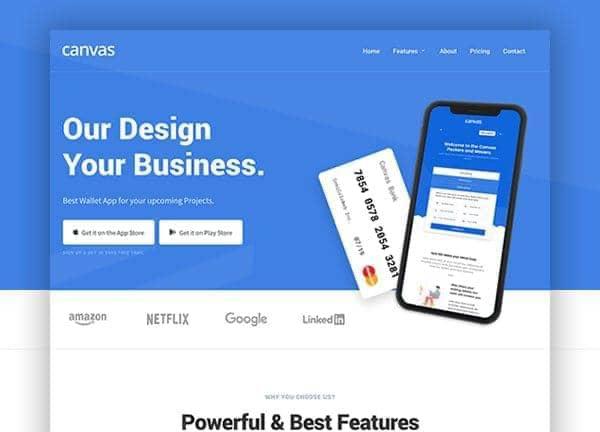



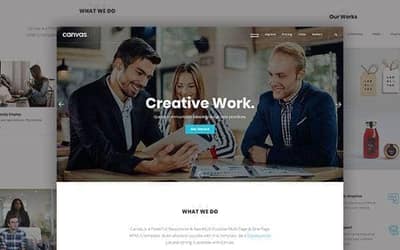
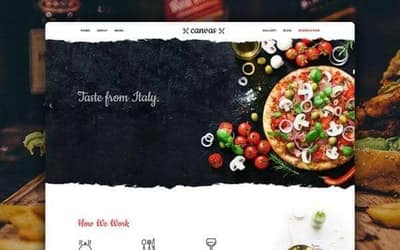
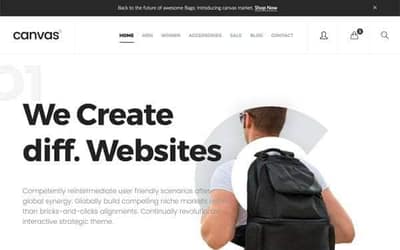

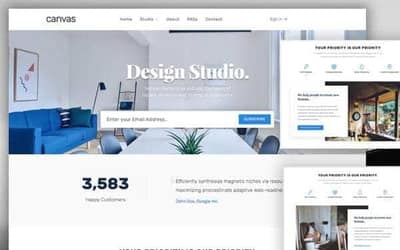

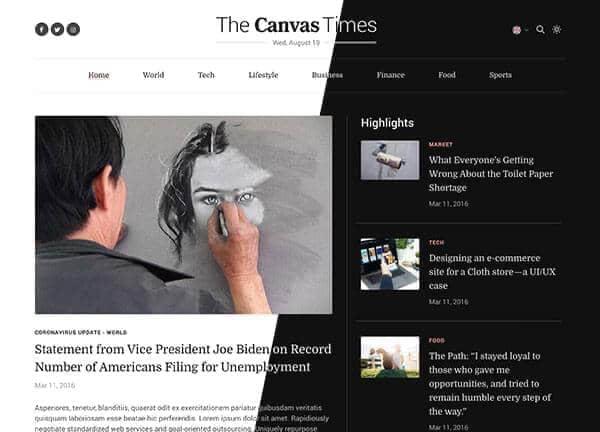
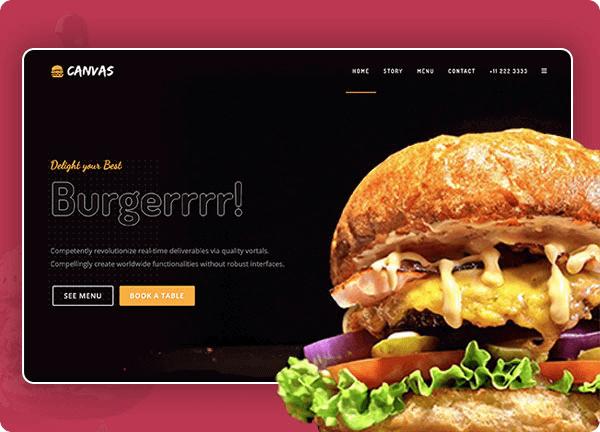
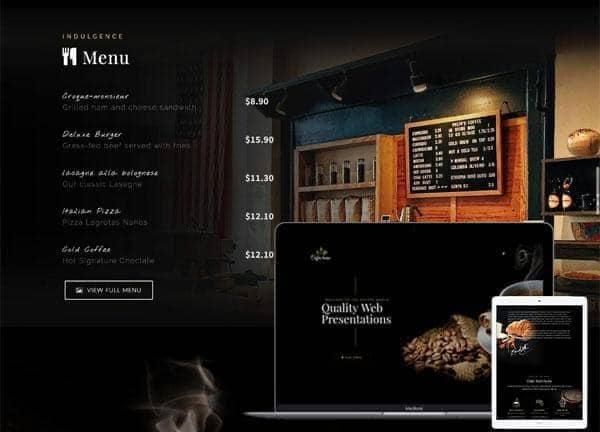
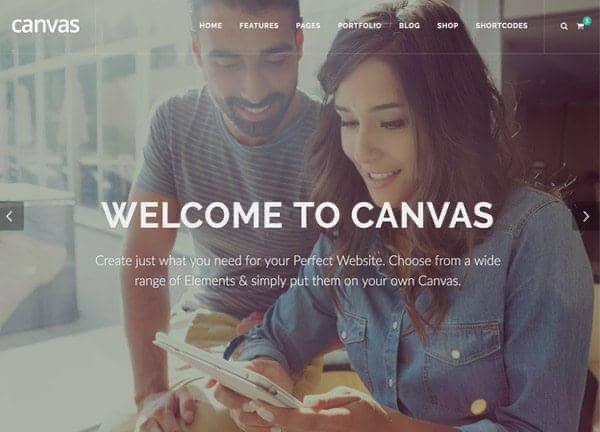
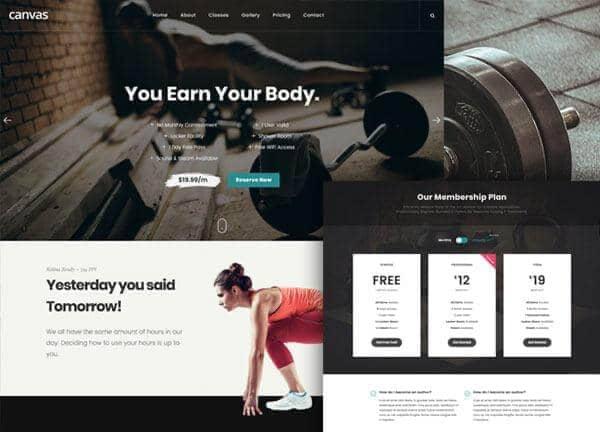
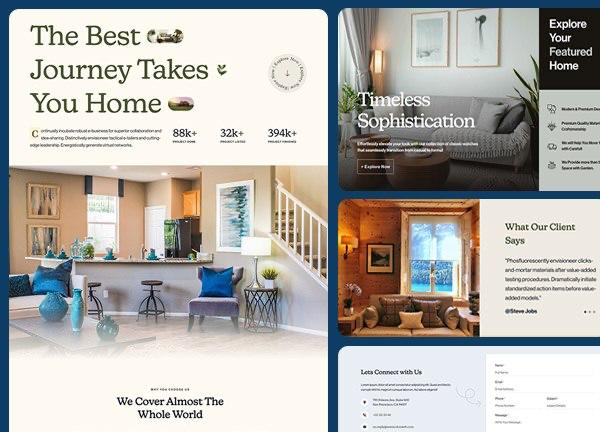
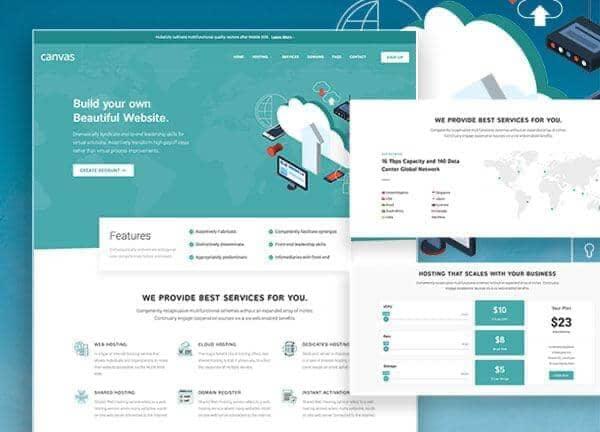
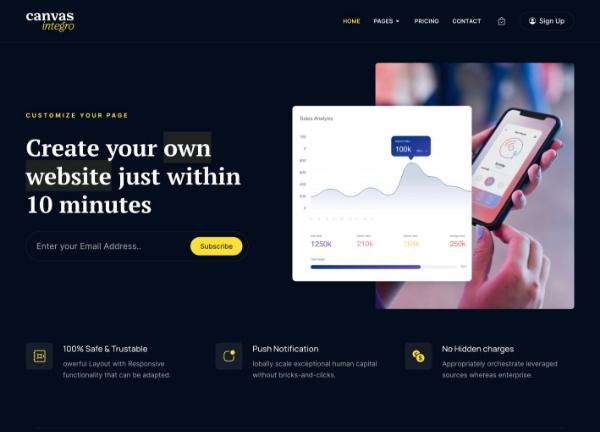



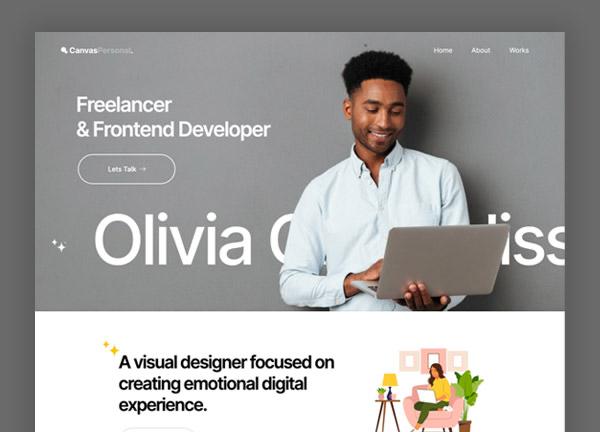
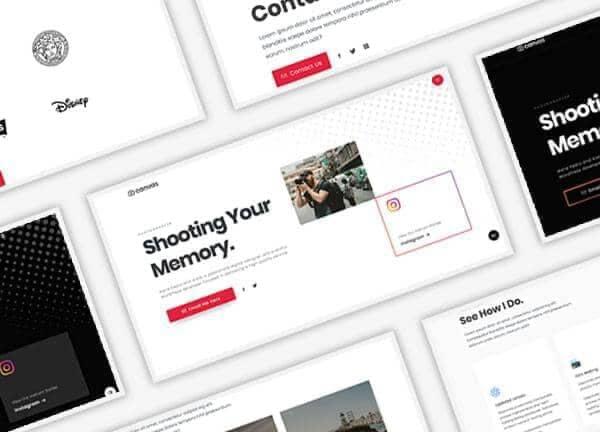
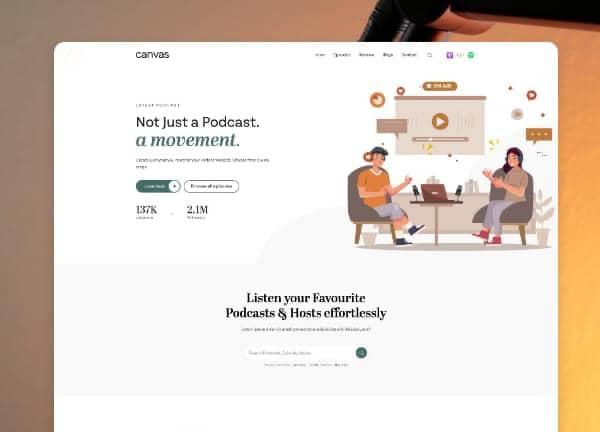
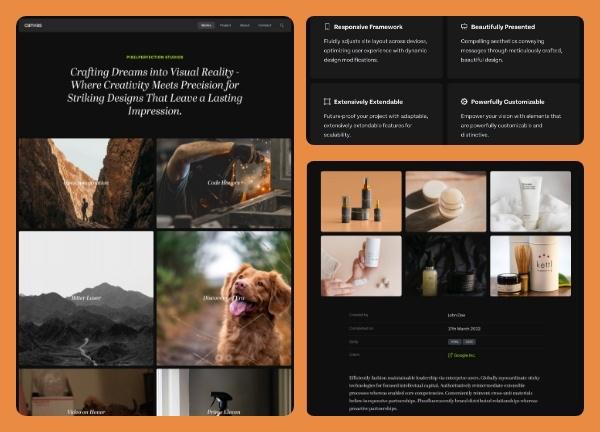



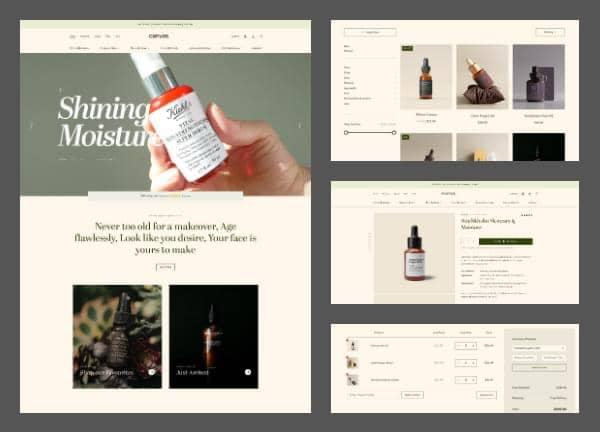
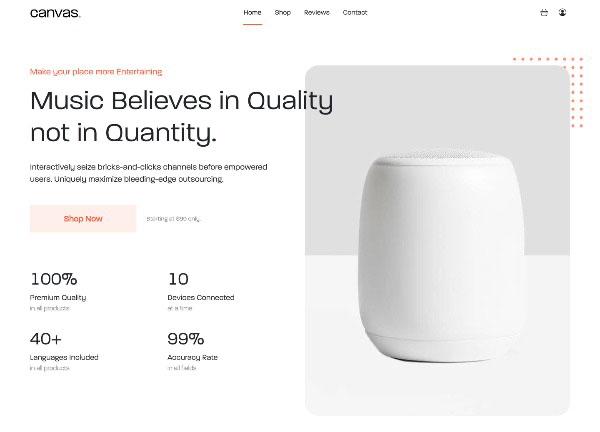
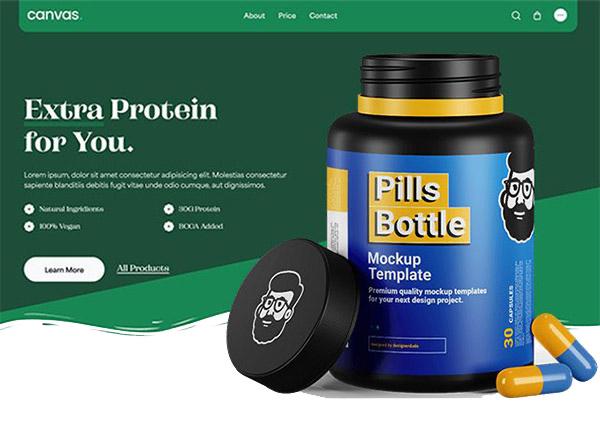
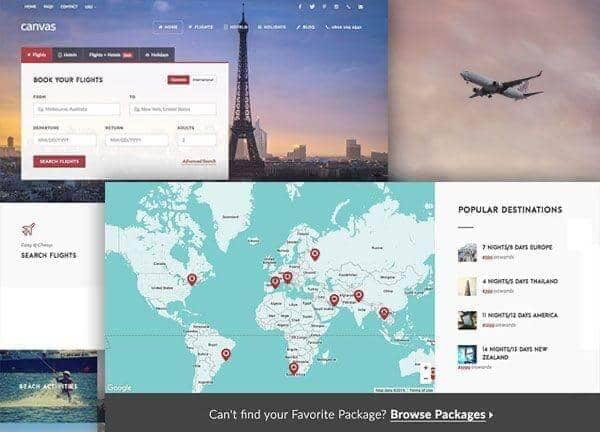





How it works
One prompt in, a finished site out
This is a real build from a single prompt, replayed. When it finishes, scroll through the result or open it fullscreen.
Prefer video? Watch the full walkthrough
Step 1
Describe it
Type what you want in plain English, in any language, or start from a ready-made prompt.
Step 2
See it come together
The CanvasAI Engine plans the page and writes production HTML while a live preview fills in, section by section.
Step 3
Refine and ship
Ask for changes in the chat. When it's right, download the complete package or publish it in one click.
What you can build
A section, a page or a whole site
Describe what you need and the engine builds the right thing, from one drop-in block to a site with as many pages as you need.
Single section
One reusable Canvas component, such as a hero, pricing table, testimonials or call to action, ready to drop into any page.
Best for
- Adding sections to existing pages
- Trying different hero styles
- Pricing and testimonial blocks
One-page site
A single HTML page with a matched header and footer and as many sections as your niche needs.
Best for
- SaaS and product landing pages
- Lead capture and event pages
- Portfolios
Multi-page site
A complete website with as many interlinked pages as you need, sharing one header, footer and navigation.
Best for
- Complete client site proposals
- Agency portfolio pieces
- Full website mockups
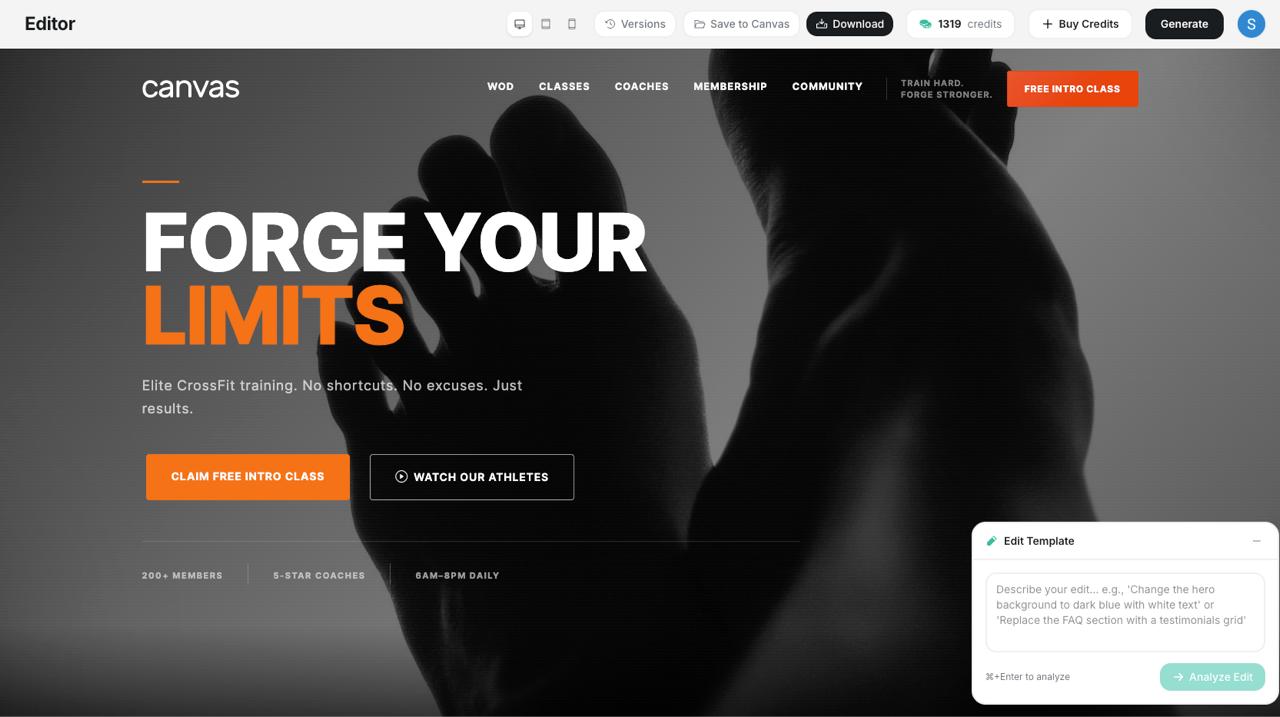
Conversational editing
Ask for any change. It edits the live page.
There's no separate editor. Once your page is built, keep talking: every message refines what's already on screen.
Sections and layouts
Add or swap heroes, feature grids, pricing, testimonials and more
Colors and type
Change the color scheme, the fonts or the whole visual style
Copy
Rewrite any heading, paragraph or button label
Layout
Move sections, change the column count or rearrange the page
Iteration
Each message sees the current page, so every change builds on the last
Brand kits and prompt builder
Set your brand once. Brief like a pro.
Two dashboard tools, running right here as interactive demos. Try them.
Brand kits
Design memory for every build
Save your theme color, fonts and logo as a kit. Attach it to a project and every site the AI builds there arrives on-brand from the first render, with no restyling and no reminders in the prompt.
One kit, every build
Color, fonts and logo apply to each new site in the project
Real Google Fonts
Pick from the same curated font library the builder designs with
Editable anytime
Change the kit and the next build picks it up
Theme color
Primary font
Theme #1abc9c
Playfair Display · Inter
Crafted spaces, built to last
Every build in this project inherits the kit: colors, fonts and logo, applied automatically.
See the workOur processLive preview: pick a color or font to restyle it
What are you building?
Prompt builder
From blank page to build-ready brief
Not sure what to type? The guided wizard asks about your business, sections and style, then AI rewrites your answers into a polished brief for the builder. The wizard is free: you only pay for the build.
Guided, not technical
Niche, sections, tone and motion, all picked from options
AI-polished brief
Your answers become specific, evocative build instructions
Straight into the chat
One click drops the brief into the composer, ready to send
Prompt library
Never start from a blank prompt
Browse ready-made prompts across 30 categories, search by industry or layout, and send any of them to the builder in one click. Use them as they are or edit them first.
“Modern SaaS landing page for a team project management tool. Include a floating header, hero with animated dashboard mockup, feature grid, social proof with logos, pricing table, and a minimal footer.”
Category: SaaS · One page
Popular categories
- SaaS
- Portfolio
- E-commerce
- Restaurant
- Medical
- Real estate
- Agency
- Education
- Fitness
- Travel
- Finance
- Events
Under the hood
Production code you own, built on Canvas
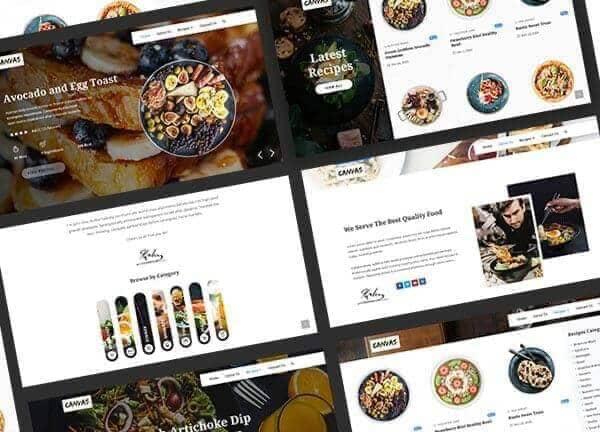
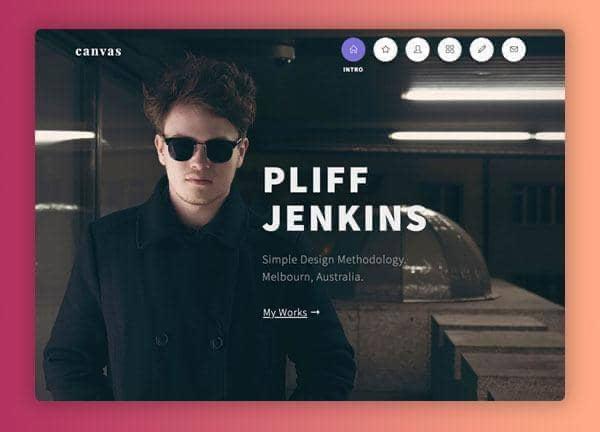
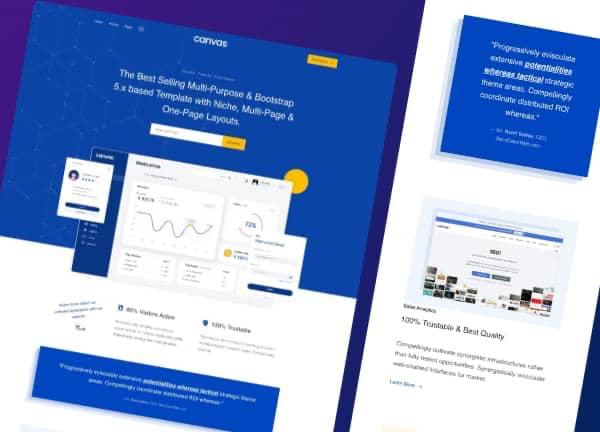
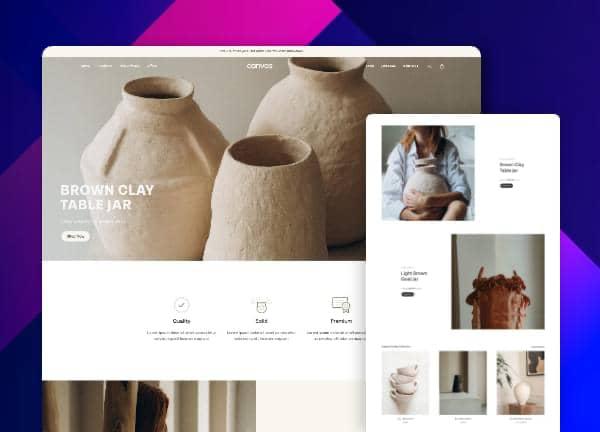
The CanvasAI Engine builds with the design system of the Canvas HTML template, refined since 2013. You get components professional designers already ship, assembled for your brief, as standalone code you can host anywhere.
Clean, semantic HTML
Proper heading order, meaningful tags and accessible markup on a mobile-first Bootstrap 5 grid that works in every modern browser.
A real design system
Colors, spacing and type are CSS custom properties (Canvas calls the system CNVS), so restyling a whole site takes a few variable changes.
60+ interactive modules
Sliders, counters, modals and sticky menus come from Canvas's own JavaScript library, already wired up. No plugins to install.
244 block patterns
Heroes, pricing tables, testimonials and forms from the Canvas library, with headers, footers and colors chosen to suit your industry.
Checked before you see it
Every build runs layout and contrast checks. The fixes the engine makes during those checks are free.
Yours to keep
Download a self-contained package with HTML, CSS, JavaScript, fonts and images, and host it anywhere. No platform lock-in.
What buyers say about the Canvas HTML template
Reviews from ThemeForest buyers of the Canvas HTML template. They describe the template Canvas Builder builds with, not Canvas Builder itself.
“With over two decades of watching code and websites evolve, CANVAS is by far in the winning circle of brands making the Internet experience more pleasing.”
“This template has it all. Its [sic] remarkably versatile and has tons of hidden elements. Definitely the most bang for your buck!”
Publish and grow
Go live without leaving the builder
Building and downloading always run on credits. Publishing one site is free, and optional plans from $9 a month add more sites and growth tools.
One-click publishing
Put any site live on a free yourname.cnvs.site address and republish as you refine. No host and no FTP.
Custom domains
Point your own domain at a published site, with HTTPS set up for you. Included from the Starter plan.
Auto-blog
A blog that matches your site's design and publishes SEO articles on the schedule you set. Included from the Starter plan.
Teams
Invite teammates on the Pro and Studio plans to share projects, brand kits, sites and one credit balance.
Published sites also get working contact forms with a built-in inbox, and paid plans add analytics, multi-language sites and more. Compare plans
Your AI agent can build here too
Claude, ChatGPT or your own agent can build, refine, publish and download sites through the Canvas Builder Agent API, using your credits and only the permissions you approve.
Pricing
Buy credits once. Spend them as you build.
Credits are charged on the work each build actually does, so a landing page typically takes a few. If a build fails before it changes your site, you aren't charged.
Starter pack
30 credits
$9 one-time
$0.30 per credit
Pro pack
120 credits
$29 one-time
$0.24 per credit
Studio pack
300 credits
$59 one-time
$0.20 per credit
- Pack credits never expire
- 5 free credits when you sign up
- Unlimited client use of what you build
Own the Canvas HTML template with active support? Verify your purchase in Account settings for 10 bonus credits.
FAQ
Common questions
What exactly is a 'credit' and how are they used?
Credits pay for the work the AI does when it builds or edits your site. You're charged on actual usage, so a quick block uses fewer credits than a full multi-page site, and a landing page typically takes a few. If a build fails before it changes your site, you aren't charged.
What's the difference between a section, a one-pager, and a multi-page site?
Describe what you want and the AI builds the right thing. Ask for a single section (hero, pricing, FAQ) and it adds just that. Ask for a landing page and you get a full one-pager with header, footer and as many sections as it needs. Ask for a complete site and it builds as many interlinked pages as you need, with shared navigation. Credit cost scales with what you build, and there are no page or section limits.
How do I edit or refine a page after it's built?
Keep chatting. Ask for any change in plain English, such as 'swap the hero background', 'add a testimonials section' or 'switch to a dark color scheme', and the AI edits the live page directly. There's no separate editor: it's all one conversation.
How fast is the generation?
You watch it build live in the chat. A one-page site takes about 3 minutes and a complete multi-page site 5 to 10 minutes, depending on how much you ask for.
Is the HTML actually production-ready?
Yes. Every build uses real components from the Canvas HTML template, the same ones found in its 1,658 template files. You get clean semantic HTML on a responsive Bootstrap 5 grid, Canvas's CSS design system (built on CSS custom properties, so colors and type are easy to change), its own JavaScript library for sliders, counters and sticky menus, and markup that works in every modern browser.
What if the generation fails or gets truncated?
If a build fails or stops before it changes your site, you aren't charged for it, and interruptions on our side are never charged. Every build also runs automatic quality checks, and the fixes the engine makes during those checks are free.
Do credits expire?
Credits from packs never expire. Buy a Studio pack in January and the credits are still there in December. If you add an optional hosting plan, its monthly credits are used first and reset at each renewal. Building and downloading sites never requires a plan.
Can I host my site, auto-publish a blog, or add my team?
Yes. You can publish one site free on a cnvs.site address. Optional monthly or yearly plans (Starter, Pro and Studio) add more sites, custom domains, a design-matched auto-blog and analytics, and the Pro and Studio plans add team seats with shared credits. You never need a plan to build and download sites.
Do I need to own the Canvas Template to use Canvas Builder?
No. Canvas Builder produces complete, self-contained packages with the HTML, CSS, JavaScript, fonts and images included, so you can download and deploy without owning anything else. Credit packs start at $9.
I already own the Canvas Template. Do I get any bonus?
Yes. Canvas HTML template buyers with active support get 10 free credits. Go to Account settings, choose 'Verify with Envato' and sign in with your Envato account, and the credits are added instantly.
Can I generate websites in languages other than English?
Yes. Tell the AI which language you want in your prompt and it writes every heading, paragraph, menu label and button in that language, while the HTML and CSS stay the same. Any language works.
Can I do multiple rounds of edits on the same page?
Yes. Each message builds on what's already there, so you can add a section, tweak the copy, change the layout or swap colors as many times as you like.
Still have questions? Read the full guide or start building free.
Your next site is one prompt away
Describe it in plain English, refine it by chatting and download clean code you own.